
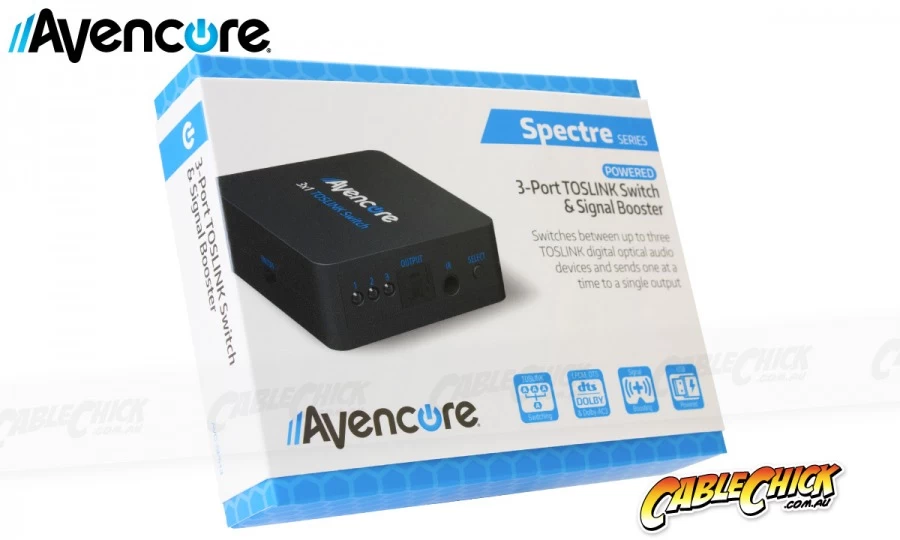
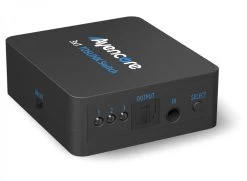

Avencore USB Powered 3-Port TOSLINK Switch With Remote (3×1 Optical Switch)
Original price was: $39.95.$27.97Current price is: $27.97.
- Quality Meets Affordability
- Efficient and effective customer service, online.
- 100% environmentally friendly material
- Safe and Secure Payments, Always

Boost and manage your TOSLINK connections with ease!
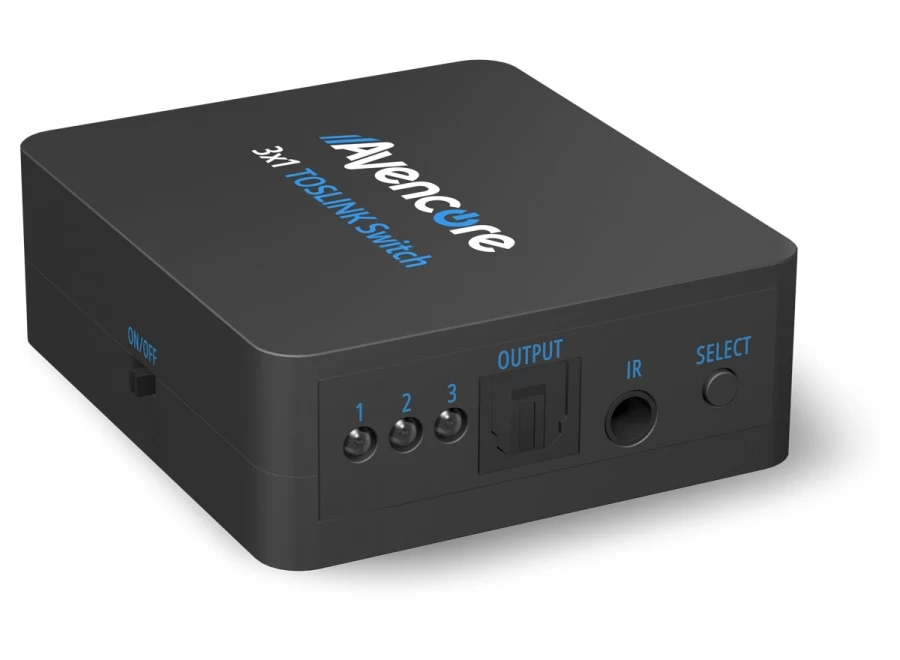
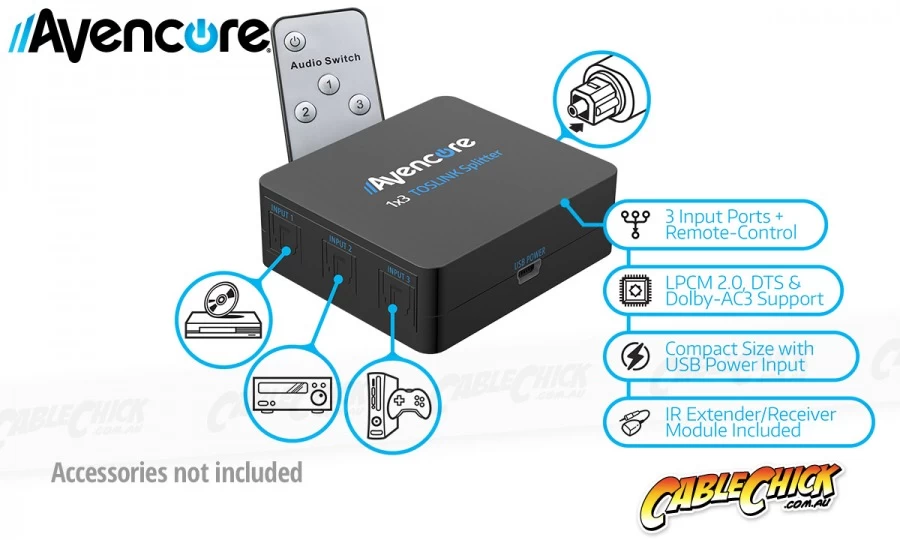
This powered TOSLINK switch is one of the most convenient ways to expand a single SPDIF input, offering three input sockets it can cycle between. Perfect for times when your amplifier or speaker system only has a single input but you have multiple source devices to connect. This 3×1 optical switch can accept inputs from source devices such as Bluray players, televisions, computers and game consoles, and then pass their signal through to your sound system or speakers/headphones.
Best of all, this USB-powered switch will boost your optical signal, allowing for longer cable runs to be used. Just press the push-button on the switch to cycle through the connected inputs or use the included remote control. Compact, versatile and great for audio management in any home theatre!
Inputs and Outputs include:
- 3 x TOSLINK Optical Inputs
- 1 x TOSLINK Optical Output
Technical Specifications:
- Supports LPCM2 / Dolby DTS / Dolby-AC3 (no conversion)
- Peak Wavelength: 650nm
- Max. bit rate: 16Mbps
- Output cable distance: Up to 40m (when using optical cable with less than 0.2Db/m loss)
This elite device features:
- Cable Chick 12 Month Warranty!
- 3×1 Optical Switch – 3 inputs, 1 output
- Fully powered with signal repeating chipset
- Simple push-button switching
- Full 7.1 channel audio support
- Works with TOSLINK / Optical SPDIF
- Works with Mini-Toslink via adapters (not included)
- Includes USB Type-A to Mini-B power cable
- Super-compact Toslink gadget!
- Includes IR extender
- Colour: Black
- Australia’s leading retailer of AV cables and tech accessories
- Flat-rate shipping nation wide
- Secure online shopping 24/7
- 14 years experience with 1000’s of health, government & education clients
- ALL products locally stocked for same-day dispatch
- Industry leading warranties up to 5-years on products
- A customer base of over 250k+ Australians who trust Cable Chick
- Proudly to be 100% Australian, employing all local staff
Be the first to review “Avencore USB Powered 3-Port TOSLINK Switch With Remote (3×1 Optical Switch)”
Related products



Reviews
There are no reviews yet.